MAPTATVA / PRODUCT GUIDE
Online Point Cloud Viewer
Review survey point clouds without installing a desktop viewer. Maptatva streams COPC point cloud data from storage and loads additional detail as you move closer, helping teams inspect large datasets through a browser.
Explore the Maptatva platform →
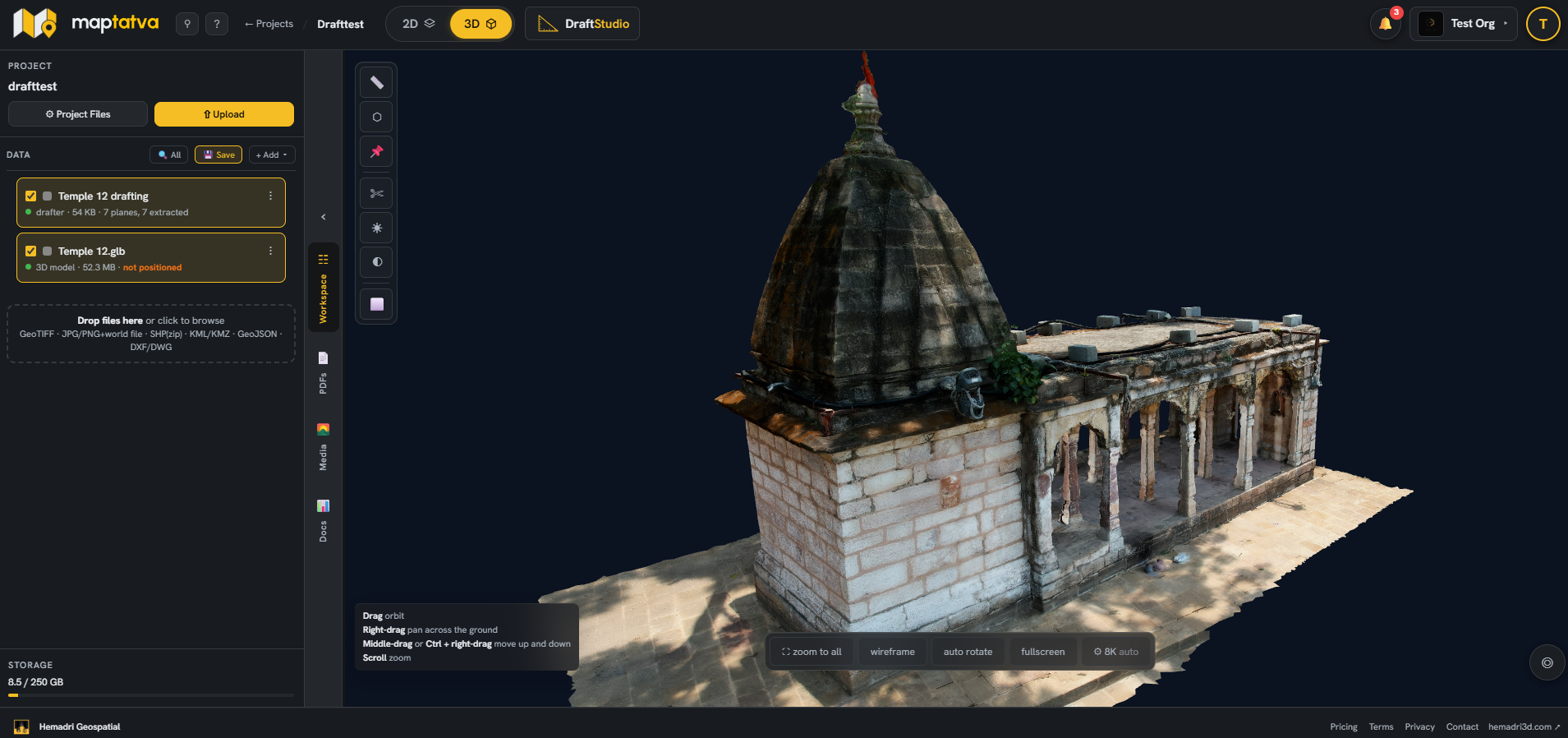
Stream the area you are inspecting
COPC organises point cloud data so the viewer can request the relevant portions. You can begin inspecting a survey without downloading the entire cloud first. The detail visible on screen depends on the view, dataset and available device resources.
Keep point clouds with other outputs
A point cloud is often one part of a survey delivery. Keep it with orthomosaics, terrain, 3D models and vector layers in a project so reviewers can understand how the outputs relate. Use clear layer names and survey dates to organise repeat visits.
Review data with your team
Project access can be assigned to team members, and read-only links let clients view shared work without creating an account. This makes browser review useful for survey handovers, heritage documentation and construction progress discussions.
Prepare the right format
The streaming point cloud workflow uses COPC. Check that your dataset is prepared in the supported format before uploading. Large surveys still require an appropriate internet connection and device; browser access does not remove all performance constraints.